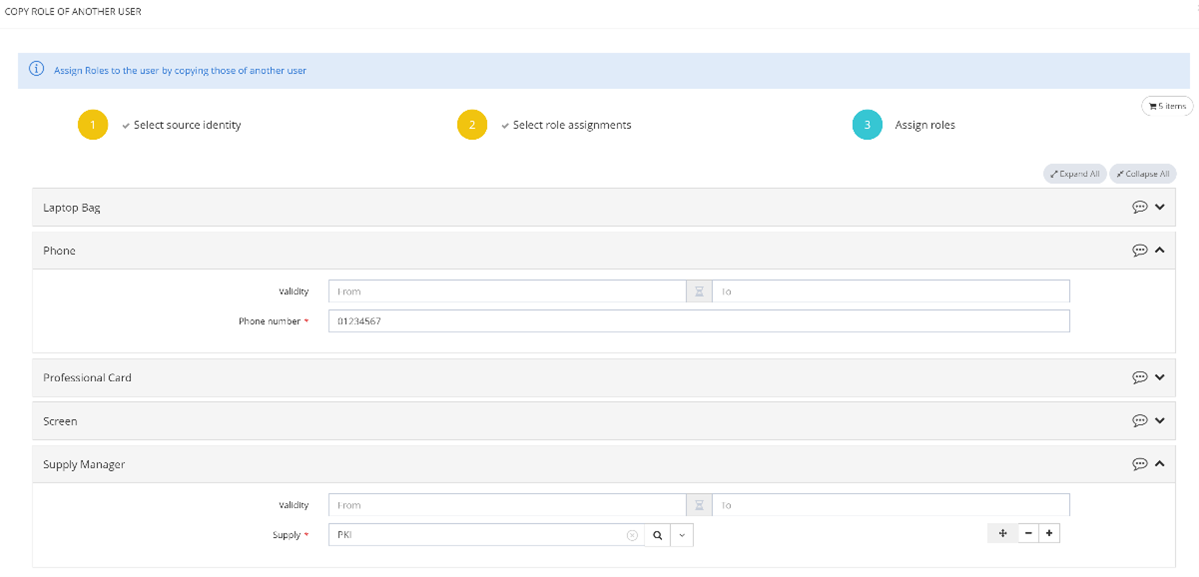
In order to speed up the role assignment process, Memority offers a feature that allows an administrator to select from the roles of an identity A, the roles that you want to copy and therefore assign to identity B.
This copy will be done in 3 steps:
-
Selection of the identity whose roles you want to copy (same way as for a bulk role assignment)
-
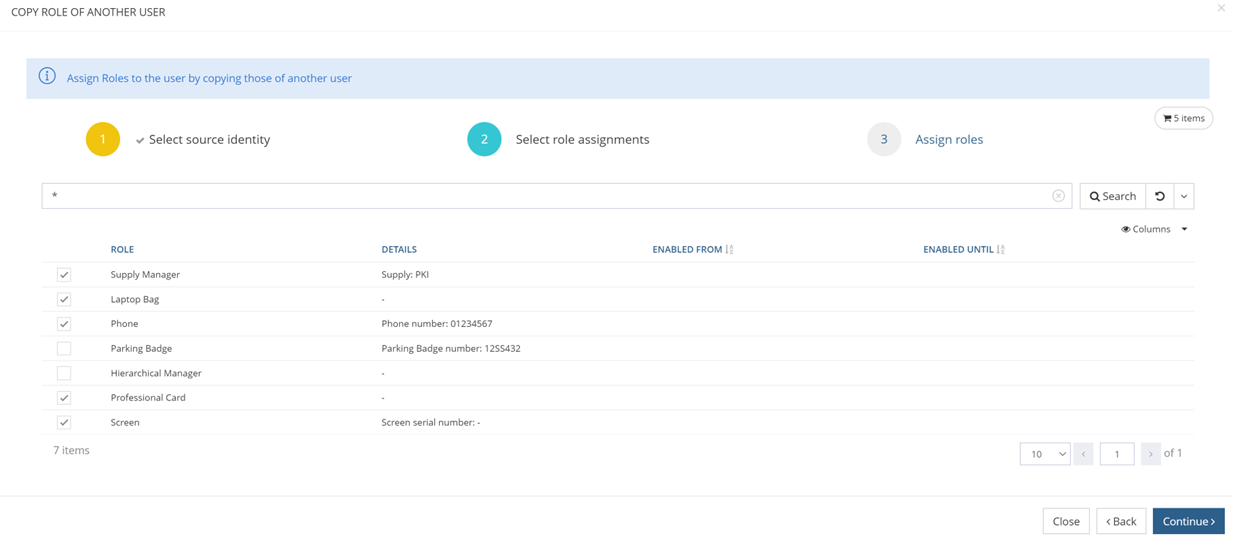
Selection of the roles to copy. It will be possible to copy all the roles of an identity or to select only some of them.
3. Assignment of the roles with display of the values of the dimensions if there were any for the source user and possible modification of these values and/or validity dates for each of the selected roles.