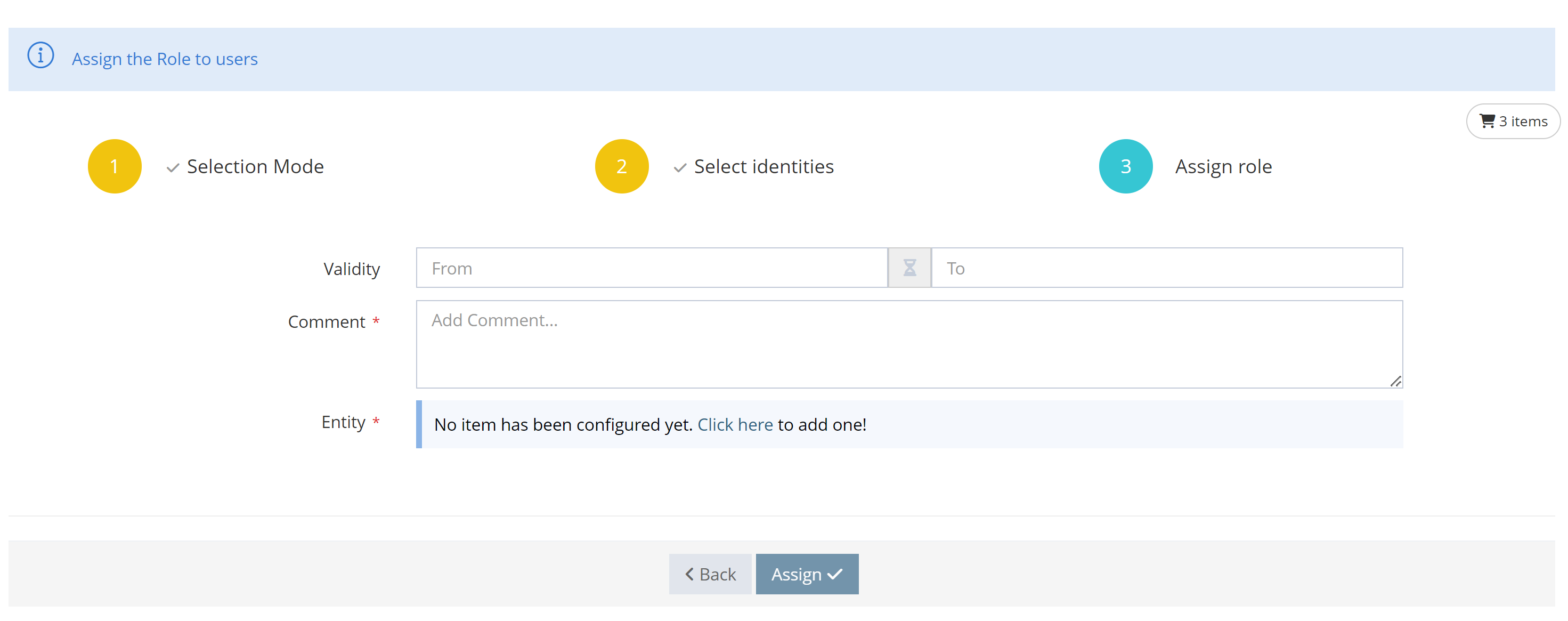
In the same perspective of optimizing user actions, Memority offers a feature to assign a role to a set of users.
This type of assignment will be done in 2 steps:
-
Selection of the identities to which we want to give the role
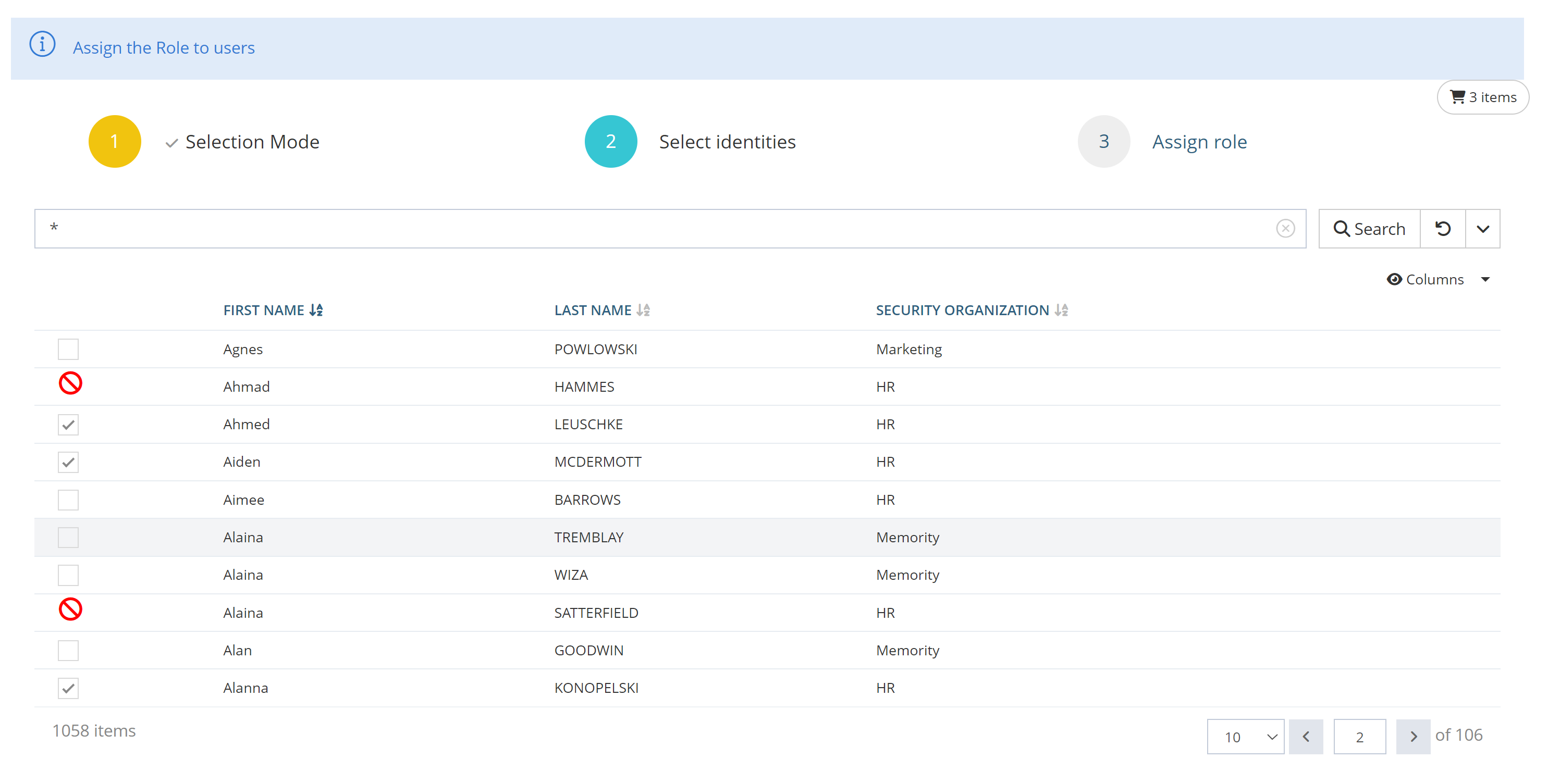
In this example, identities are selected manually (using a search filter), but it is also possible to select identities by uploading a file containing identity identifiers.
2. Assignment of the role with valuation of the dimensions if there are any and possibility of restricting the assignment in time. In both cases, the values entered will be common for all assignments to all identities.