
Definition
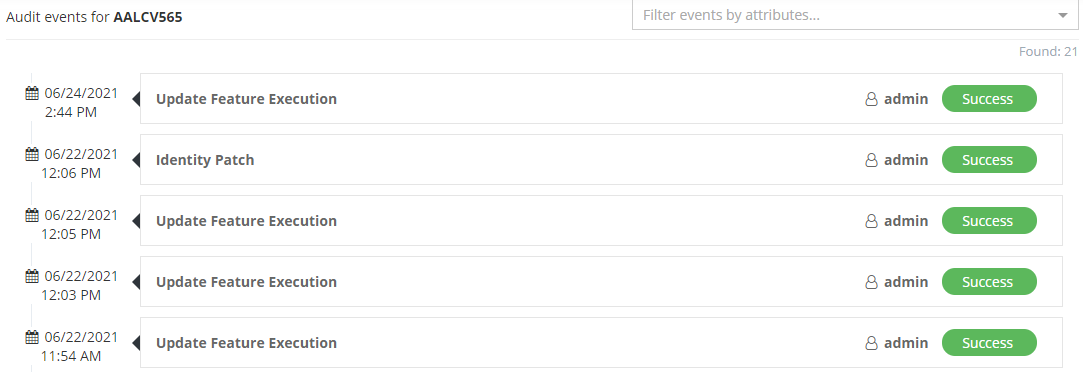
The Audit Report Widget allows to display audit events on an object type.
The events are searchable by a dropdown list. It displays attributes on which an event has been performed.
Tips
For an optimal use of this Widget, prefer to configure it in a dedicated Feature (of type UI_FOR_OBJECT or HUB) or in a Widget To Open (except search Feature).
Configuration
Properties
No specific properties to configure this Widget.
Example
<widget id="audited-operations" xsi:type="ctdbum:AuditReportWidgetType">
	<hidden>false</hidden>
    <config/>
</widget>
Tips
To display the object's excerpt in the feature title, you need to explicitly define all the object types that apply to the feature.