
Definition
A section allows to split a View into several parts.
Several Sections can be configured, they will be arranged one under the other in the order of their configuration.
|
1 section and 1 column |
1 section and 2 columns |
2 sections |
|---|---|---|
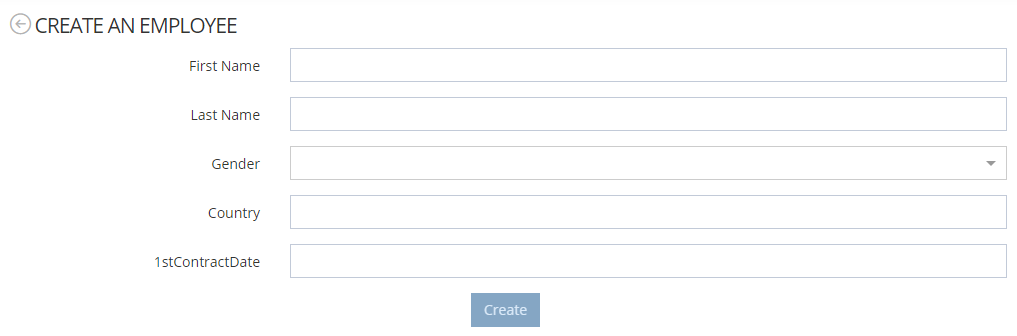
|
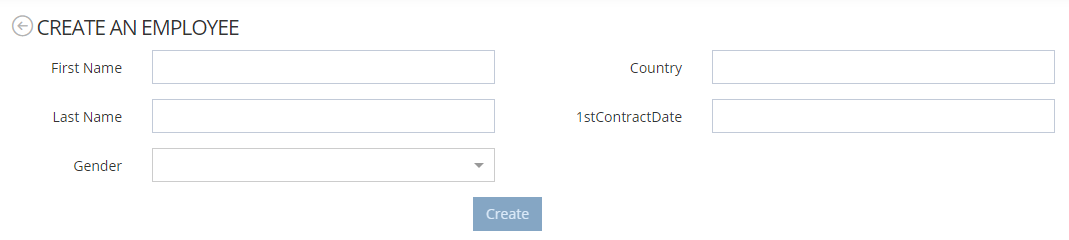
|
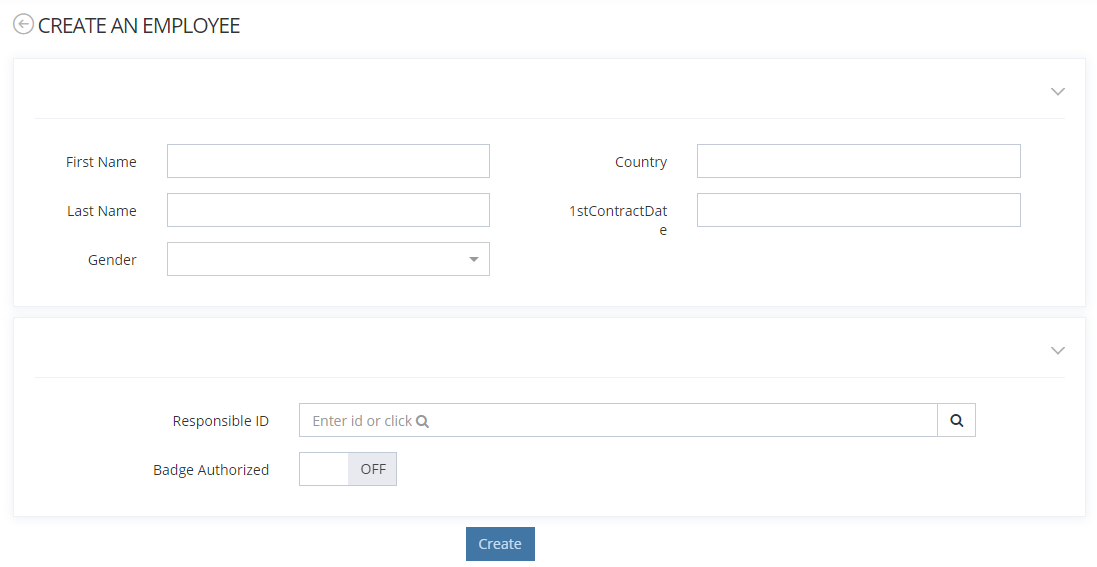
|
Configuration
Properties
|
Property name |
Type |
Mandatory |
Description |
Values (default value in bold) |
|---|---|---|---|---|
|
id |
|
YES |
The id is the unique identifier of each Section. |
- |
|
description |
|
NO |
Used to describe the Section that will be configured.
|
- |
|
layout |
|
NO |
Allows to define the graphical layout of the Section. |
SINGLE (one full width column layout),
|
|
frame |
|
NO |
Allows to define an optional frame. |
- |
|
|
NO |
Allows to define Columns in the Section.
|
- |
|
|
|
NO |
Allows to display or not the Section according to the configured script. |
- |
|
|
collapsible |
|
NO |
Allows to indicate if the Section is collapsible or not. |
true, false |
|
initiallyCollapsed |
|
NO |
Allows to indicate (only if the Section is collapsible) if the Section will be collapsed or not when initially displaying the Screen. |
true, false |
Example
|
1 section and 1 column |
1 section and 2 columns |
2 sections |
|---|---|---|
|
|
|
|
|
|
|
Nested sections
It is also possible to define sections inside a column. As for widgets, the number of sections must match the layout provided by the parent section. Note that you cannot mix the property “widgets” and “sections” inside a column.
<screen>
	<views>
		<view>
			<sections>
            	<section id="test-section-1">
               		<layout>TWO_EQUALS</layout>
               		<columns>
						<column>
							<widgets />
							<sections>
								<section id="test-subsection-1">
									 <frame>
									 	<display>PORTLET</display>
									 </frame>
									<layout>SINGLE</layout>
									<columns>
										<column>
											<widgets>...</widgets>
											<sections />
										</column>
									</columns>
								</section>
							</sections>
						</column>
						<column>
							<widgets />
							<sections>
								<section id="test-subsection-2">
									 <frame>
									 	<display>PORTLET</display>
									 </frame>
									<layout>SINGLE</layout>
									columns>
										<column>
											<widgets>...</widgets>
											<sections />
										</column>
									</columns>
								</section>
							</sections>
						</column>
					</columns>
	        	</section>
          	</sections>
		</view>
	</views>
	<frame/>
</screen>