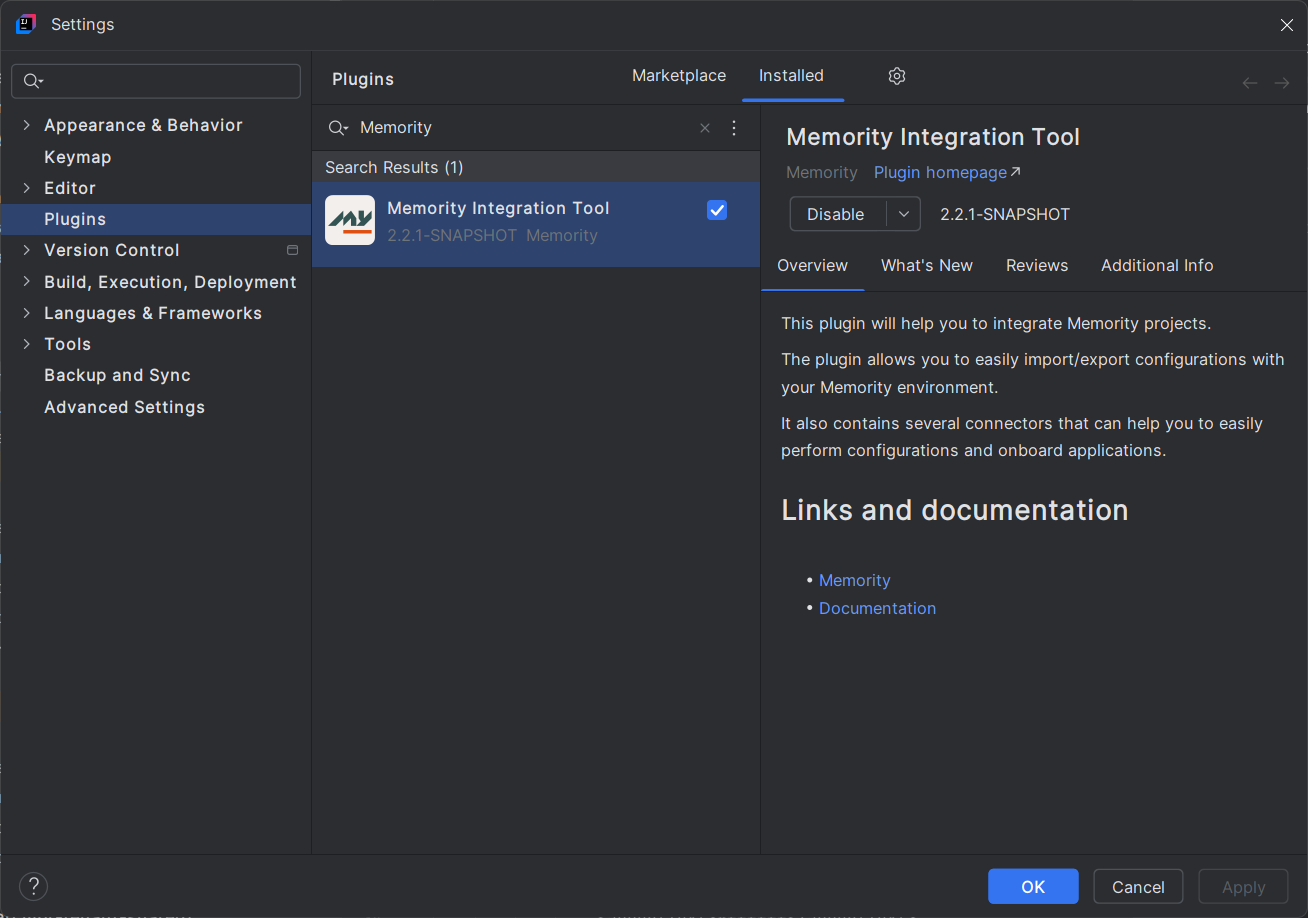
The Memority Integration Tool (MIT) is an IntelliJ plugin developed by Memority to allow users to manage easily the configuration of a tenant on any desired environment. The plugin is available for free on the IntelliJ Marketplace for installation on your IDE.
The main goal of the plugin is to allows you to package and import configurations to/export configurations from Memority platform tenants, easily and securely using the Memority authentication interface. It also enables you to deploy pre-configured plugins which package configuration templates.
Authentication
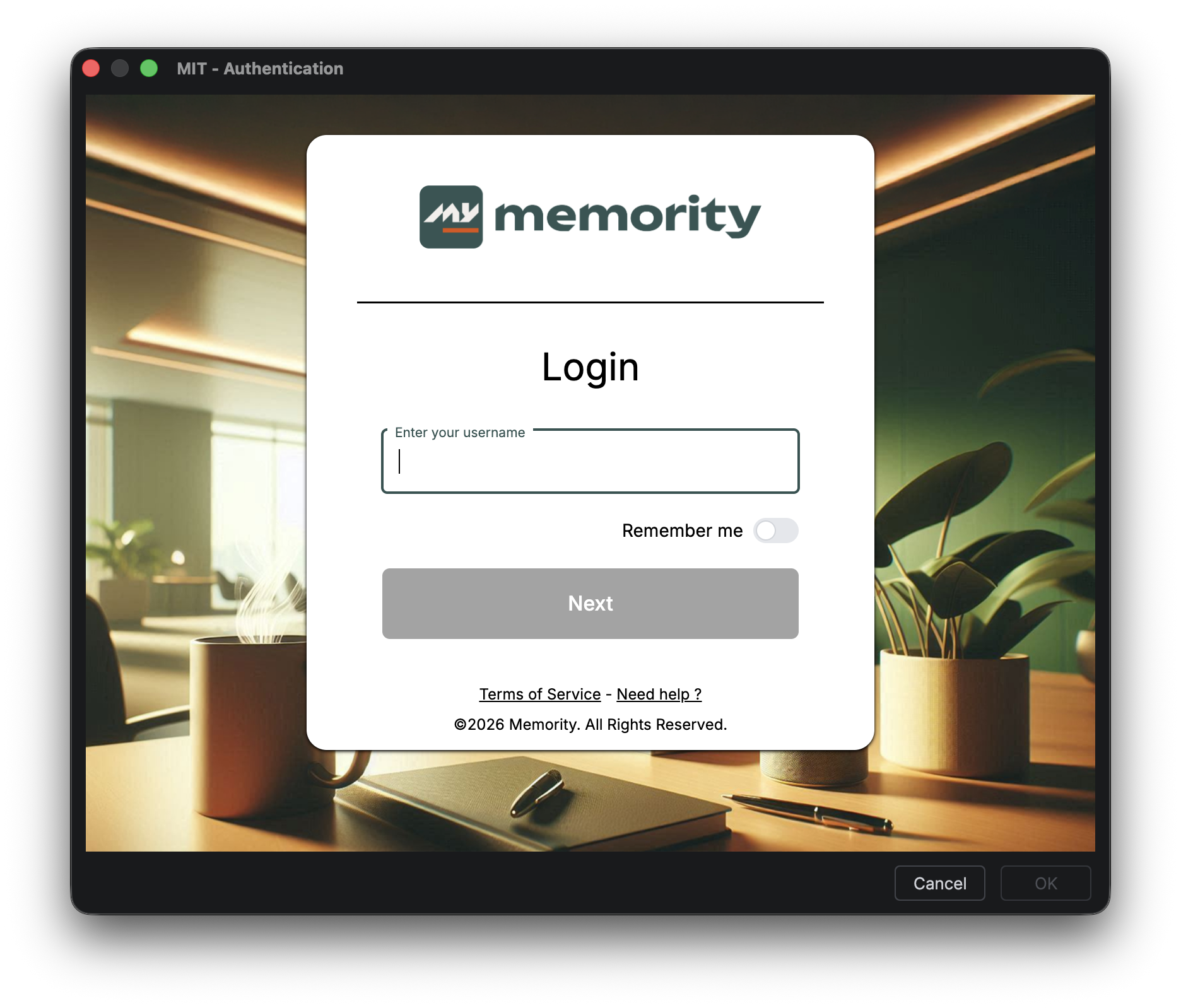
In order to properly use the MIT plugin, it is imperative to go through the Memority authentication page.
The responsibility for this authentication lies entirely on the client's Memority tenant and must be carried out from their own integrator account, with an MFA authentication. Once authenticated, you can enjoy the plugin's features for 10 hours, after which you will be prompted to authenticate again.
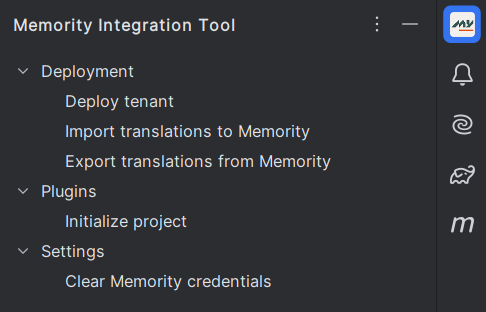
Additionally, the plugin provides the user with the option to delete the login information they have previously provided by clearing their credentials.
Deployment
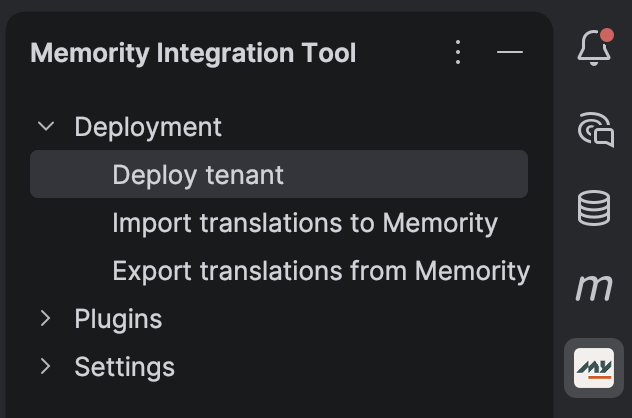
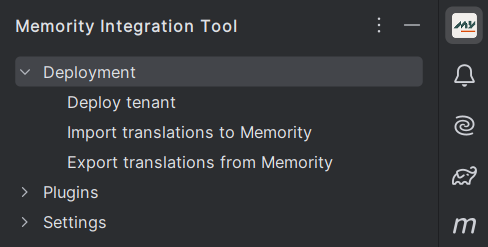
The MIT plugin provides a comprehensive menu for deploying tenant configurations through a dedicated panel and actions.
Import Options
-
Deploy tenant: Import all configuration files (except i18n and data files)
-
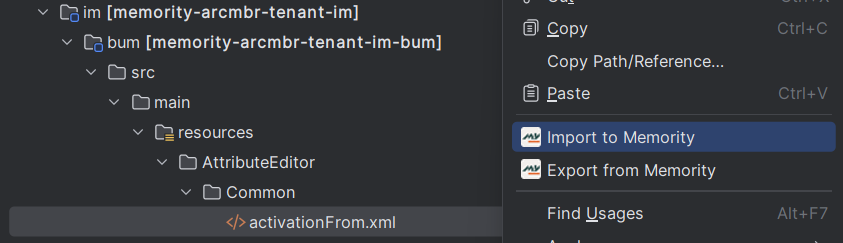
Import service: Right-click on a service repository to import all its configuration files
-
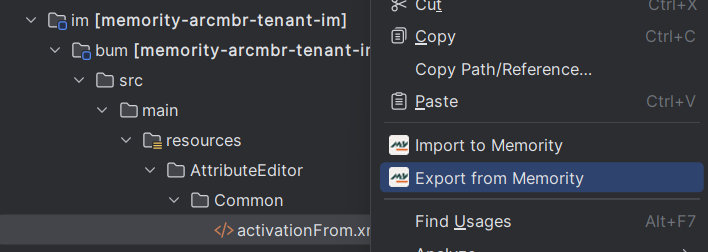
Import single file: Right-click on a configuration file to import it
-
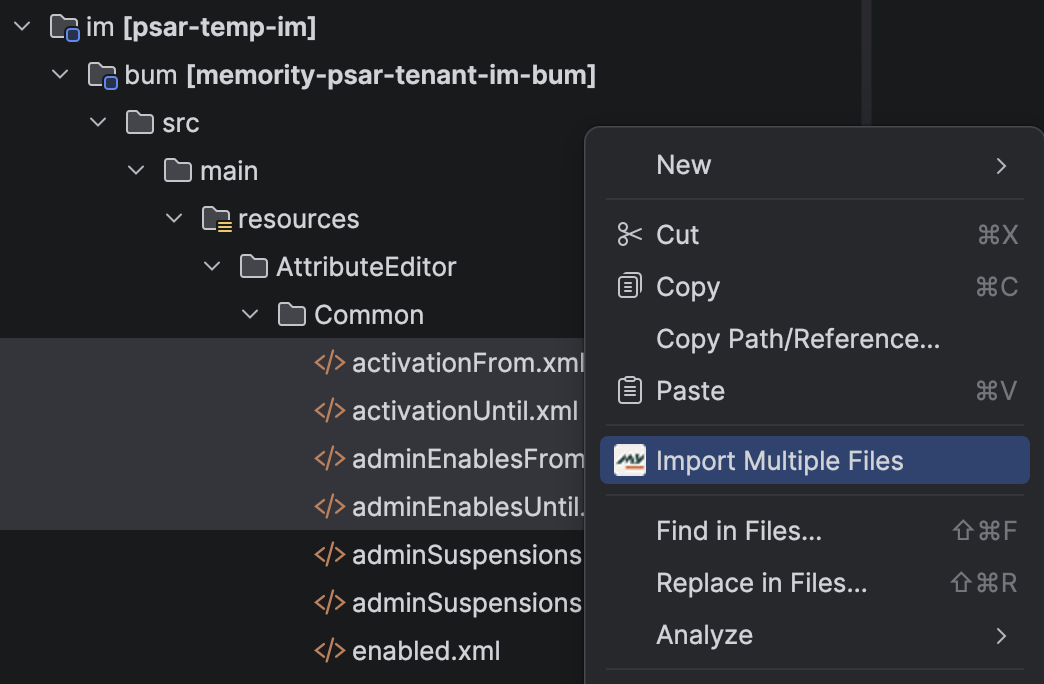
Import multiple files: Select at least 2 configuration files (across any services), then right-click on one of them to import all selected files (up to 100)
Export Options
-
Export single file: Right-click on a configuration file to export it
-
Export translations: Import or export all translation keys and labels
Property Files
You cannot export a configuration file containing property references. A property is a value defined in a .properties file that can be referenced in any configuration file using @{value}.
Example:
# properties file
user.tenant.value=myTenant
<!-- XML configuration file -->
<value>@{user.tenant.value}</value>
Note : If you attempt to export a file with property references, an error will appear. You must export such configurations manually to preserve the property references.
Plugins
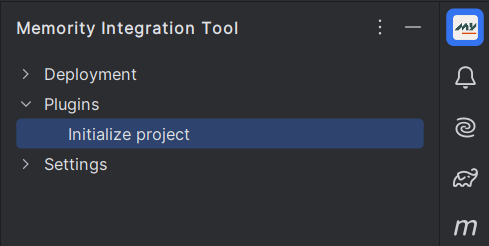
Plugins are used to deploy easily a package of configuration templates to add new features or onboard applications (for example). The plugin's list is updated frequently to add new packages.
Initialize a new project
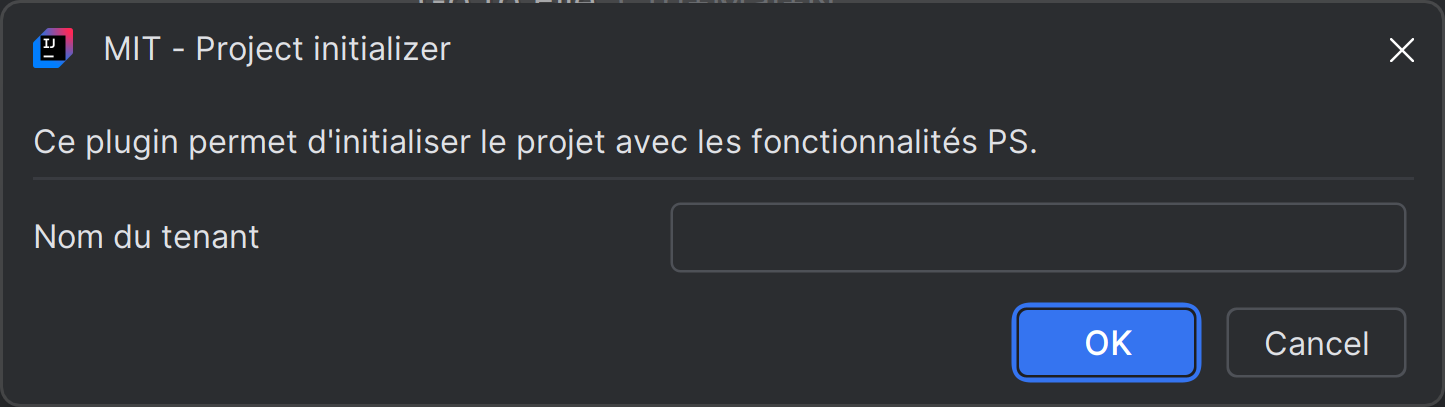
The "Initialize project" plugin allows you to deploy Memority default configuration on a new project by filling out a form with the necessary information.
Specify the tenant's name that you want to deploy and enter the administrator's first name, last name, and email; the administrator will manage the tenant to execute the deployment. Once executed, the plugin adds in the IntelliJ project the default configuration that can be updated and completed according to your needs. You can use the "Deploy tenant" feature after that to add, update or delete any configuration on the tenant.
Data
The Memority Integration Tool allows you to easily import and export some data from your tenant. The following kind of objects can be managed through the plugin:
-
Identities (Only Imports, for security purposes)
-
Organizations
-
Resources
-
Roles
-
Role Publications
-
SoD Rules
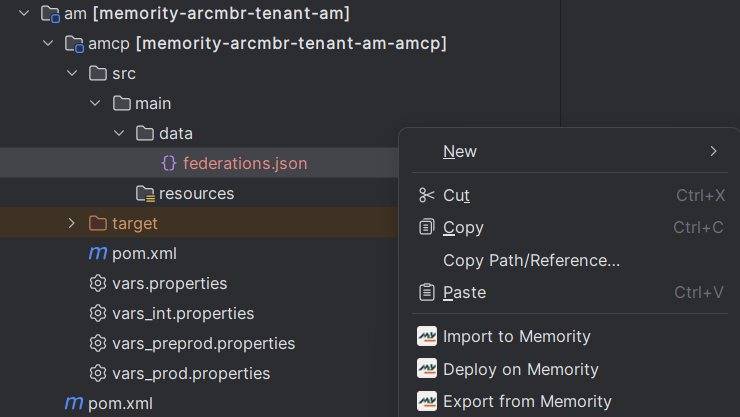
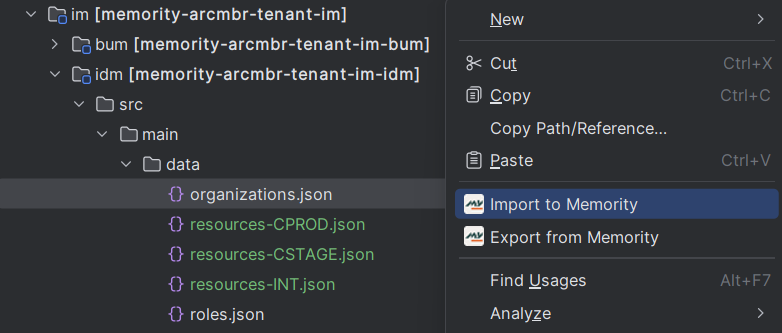
Imports and exports are available on explorer menu thanks to a right click on the file you want to import or export.
These options are only available for json files in im/idm/src/main/data/.
Data files names must start with the object’s kind to manage :
-
identities*.json
-
organizations*.json
-
resources*.json
-
roles*.json
-
rolePublications*.json
-
sodRules*.json
Federation
The Memority Integration Tool allows you to easily import, deploy and export some federations from your tenant.
Related actions are available on explorer menu thanks to a right click on the file you want to manage. The following actions are available :
-
Import : Update the next-version node of the specified federations.
-
Deploy : Trigger the deployment process for the specified federations.
-
Export : Retrieve all editable federations available in the tenant.
These options are only available for json files in /am/amcp/src/main/data/. File names must start with federations.