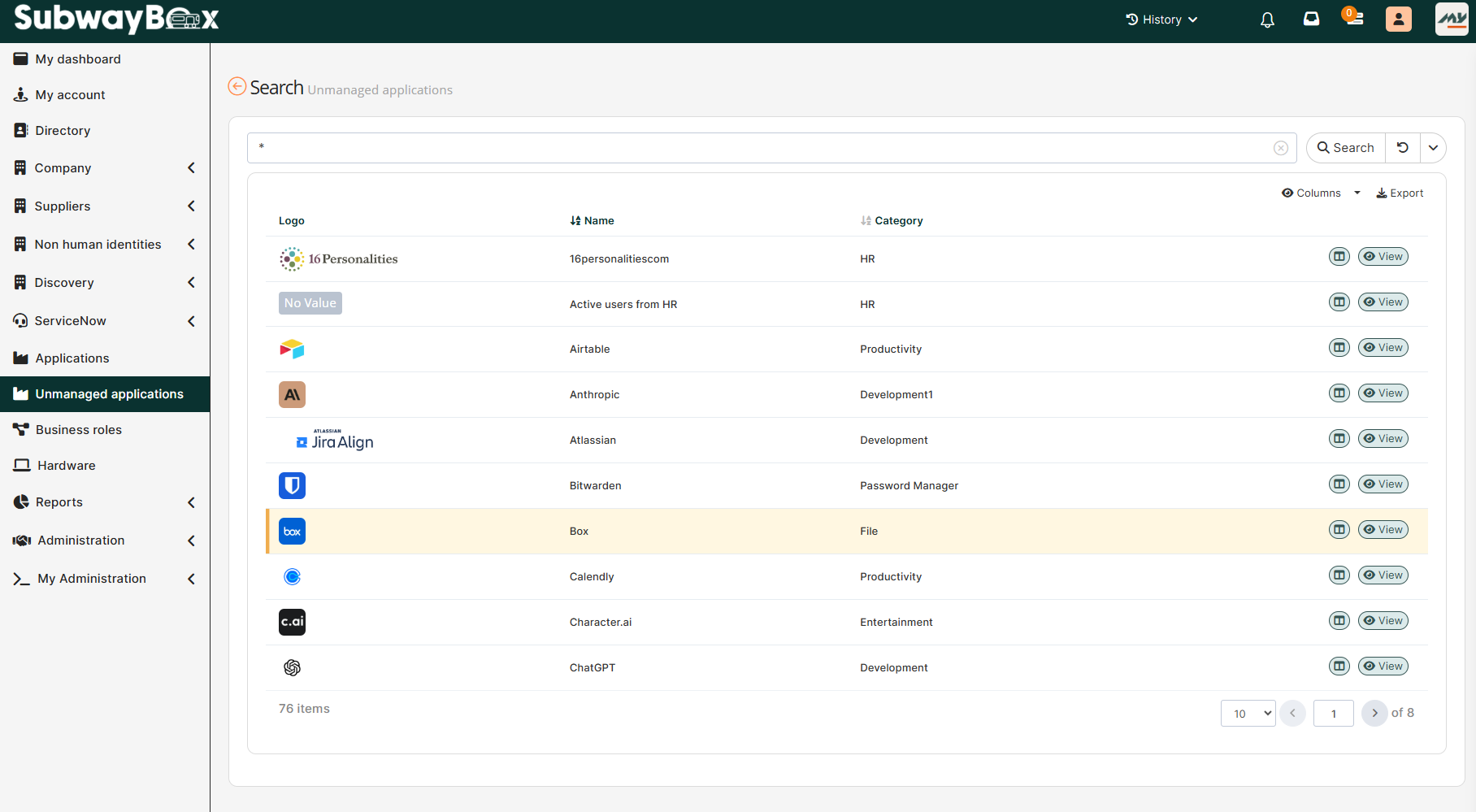
Definition
The SidePanel is configured within Button Widgets. It allows to configure a link that will open in a sidepanel on the right side of the main page without replacing it. The sidepanel is fully routable using the (sidepanel:…) url pattern.
The goal of the SidePanel is to display information, details, or a form for an object while keeping the main page visible (for example, a list).
This provides fast navigation, a smoother user experience, and avoids page changes.
Use cases
Let's look at a typical use case.
SidePanel Opening
The user views a list of objects (e.g., users). They click on a row, and the SidePanel opens on the right with the form for that object. The selected row is now highlighted.
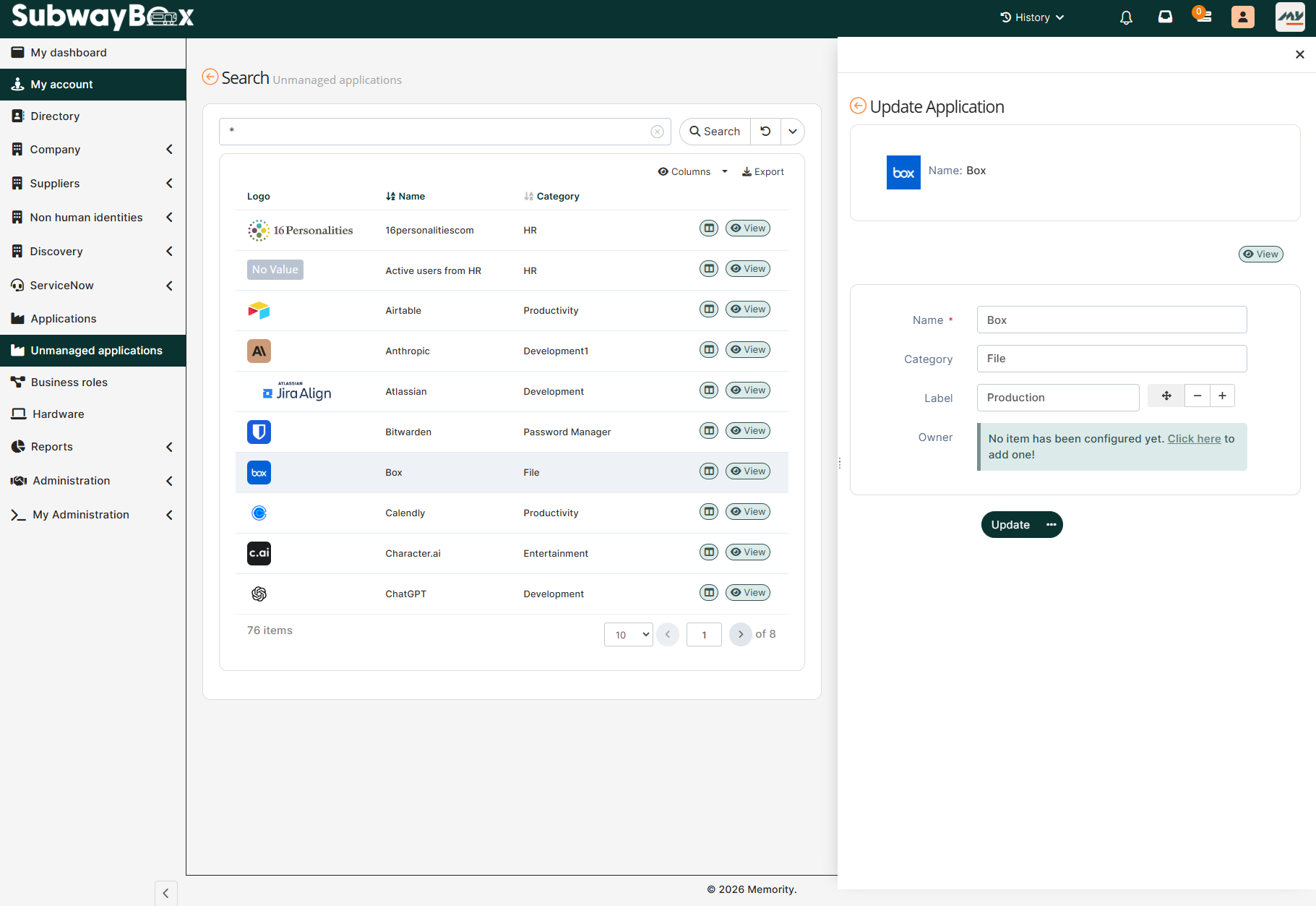
Update and visual feedback
The user modifies a field in the SidePanel and confirms the changes. The selected row in the list turns orange without reloading. This visually indicates that the item has been successfully modified.